What you need
A computer running Beltr, a TV or projector, and the phones your guests already carry. Plug the computer into the TV with an HDMI cable, or run the free Beltr Client app on an Apple TV or an Android TV / Google TV so the lyrics show without a cable. You don’t need a separate microphone either, because any phone can be one. Beltr runs on Macs with Apple Silicon, on Windows and on Linux.
Start a karaoke night in four steps
Add your music
Import songs you own: MP3, FLAC, WAV or MP4. Karaoke files you already have, like CDG, MP3+G and
.kar, play as they are. You aren’t waiting for a catalog to add the song someone wants.Let Beltr make them karaoke
On-device AI takes the lead singer out of each song in a minute or two. Queue a batch before guests arrive: each song is ready to sing as soon as it’s done, so you can start before the whole batch finishes. Beltr also arrives with one song already prepared.
Put the lyrics on the TV
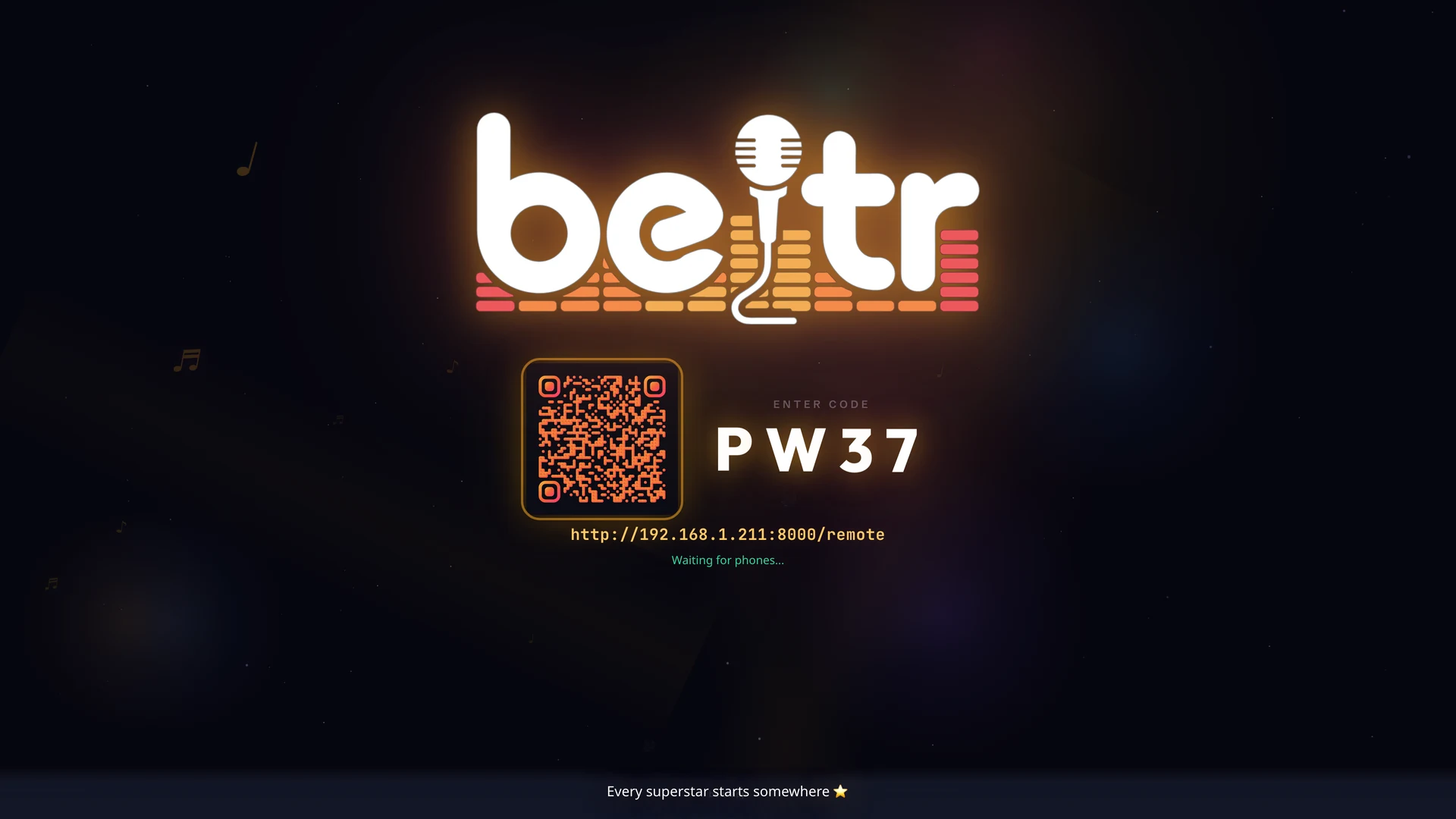
While it waits, the TV shows a room code and a QR code. Once a song starts, the lyrics fill the screen and light up word by word, big enough to read from the couch.
Let guests join
Guests scan the QR code and the remote opens in their phone’s browser, with nothing to install. They add songs to the queue, control playback and sing into their phone as a mic, so the host computer stays out of the way. The free Beltr Remote app for iPhone and Android works too.
Built for the living room
- One shared queue
- Everyone adds songs from their own phone and takes turns, so nobody crowds the laptop and the next singer is always lined up.
- Live scoring
- A pitch bar shows the note to hit and scores each singer line by line, with a leaderboard per singer. Take it seriously, or just laugh at it.
- Key and guide vocal
- Move a song up or down by as much as six semitones to suit whoever’s singing, and leave a little of the original vocal in as a guide.
- Music videos
- A music-video background can play behind the lyrics.
- Reveal Reel
- Beltr records your best take as a vertical clip, and it’s shared only if you choose to share it.
- Name That Beltr
- A song-recognition buzzer game for when the room wants a break from singing: a clip plays on the TV and guests buzz in from their phones to name the song.
When the party’s over
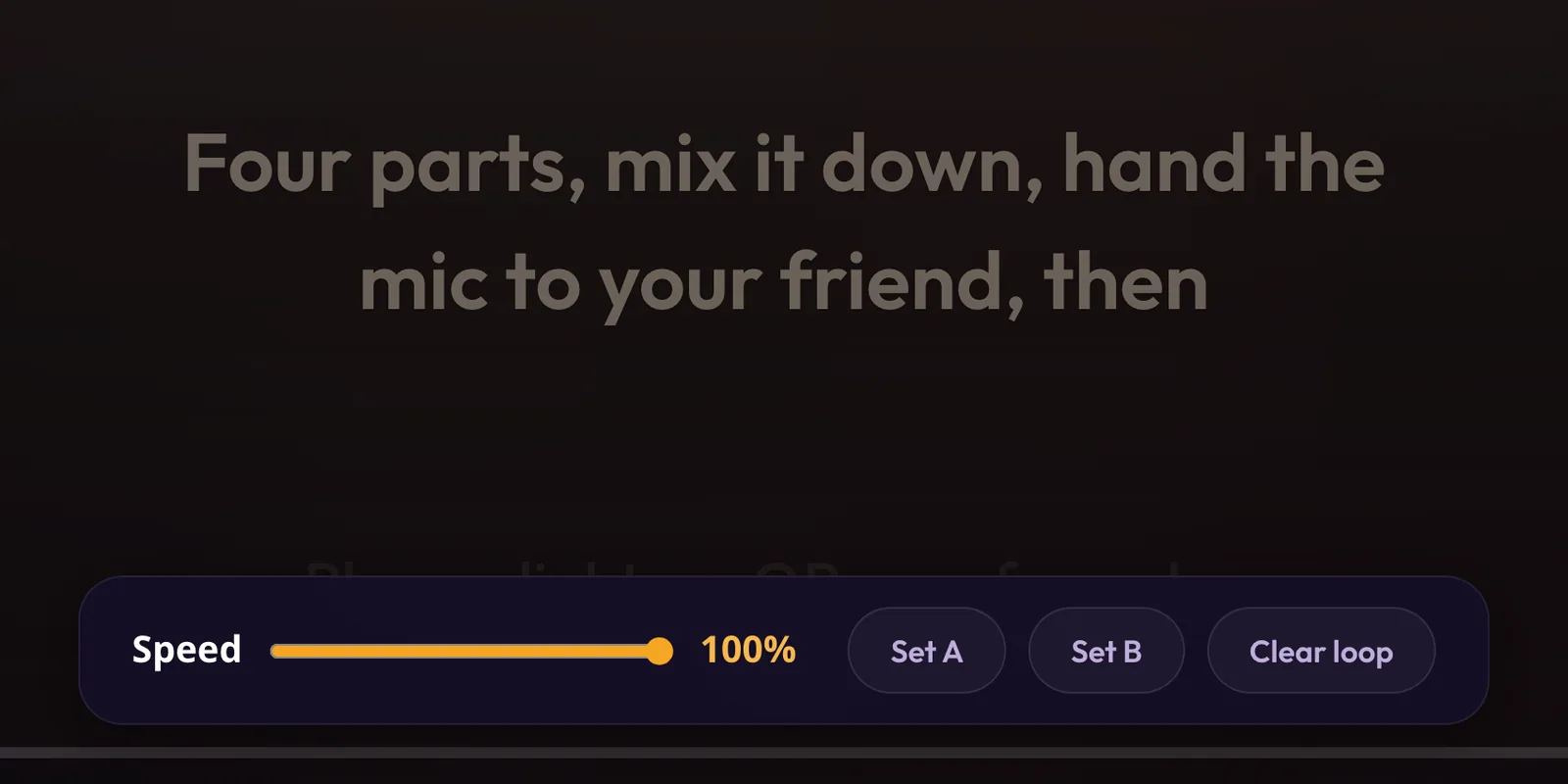
Practice mode is for the songs you’d rather rehearse alone. Set an A and a B point to loop the part that keeps tripping you up, and slow the song down without changing its pitch, so you can hear a run clearly before you try to sing it.
Where it fits
Anywhere there’s a TV, a computer and people who want to sing: family nights, birthdays, holiday gatherings, a dorm room with a smart TV, or a backyard with a projector. Your guests bring the phones, and you bring the songs.
Your songs, not a catalog
Beltr doesn’t come with a song catalog. That’s the trade: you bring the music, and in return any song you own is one you can sing, with no monthly bill. Subscription karaoke apps work the other way round, with a big licensed catalog for roughly $80–120 a year; KaraFun Premium, for example, is $9.99 a month. AI separation also varies by song and mix, which is why the first 5 songs are free.
If a ready-made catalog suits your group better, the best karaoke software for home compares the options, and Beltr vs KaraFun goes into that choice in detail. For how the vocal removal works, see what AI karaoke is.