The short answer
AI karaoke uses a neural network to pull the lead vocal out of a finished recording, so any song you own can become a karaoke track instead of waiting for a catalog to license it. Beltr does the whole job on your computer. Add a song and, a minute or two later, you have the instrumental, the vocal on its own, and lyrics that light up word by word on your TV. To hear the separation before anything else, the vocal remover page plays it on Beltr’s own theme song.
A vocal remover is only the first step
Most AI vocal removers stop once they’ve made the stems. That gets you a backing track, but not something a room full of people can sing to. Beltr keeps going:
- Lyrics synced word by word and shown big on the TV
- Phones as remotes and mics, joined by scanning a QR code
- Live pitch scoring, with a leaderboard for each singer
- Key change up to six semitones either way, and a practice mode
- MP3+G, CDG and
.karexport for karaoke machines
If all you want is the instrumental, how to remove vocals from a song covers that on its own.
What happens to a song
Add a song and Beltr runs it through four stages, all on your own machine.
- Separation
- On-device AI (UVR MDX-Net on ONNX Runtime) splits the lead vocal from everything else. You keep both stems: the instrumental, and the vocal on its own. It takes a minute or two per song: quicker on Apple Silicon, slower on an older PC that only has a CPU.
- Lyrics
- Beltr looks the song up on LRCLIB, a free lyrics database. When nothing turns up, an on-device speech model writes the lyrics out instead. Either way every word gets its own timing, so the highlight follows the singer.
- Pitch and key
- Beltr maps the pitch of the melody, which is what the live scoring measures you against, and reads the song’s key, so you can move it to suit your voice.
- Ready to sing
- The song lands in your library, which you can browse by artist, album and genre. The vocal and instrumental faders stay live while it plays, so you can leave a quiet guide vocal in a song you don’t know well.
Queue a batch and Beltr works through it one song at a time, naming the stage each song has reached. Each song is handed over as soon as it can be sung, so you can start before the batch is done. Beltr also arrives with one song already prepared, so the TV, the phones and the scoring work before your first separation finishes.

Built for singing, not just stems
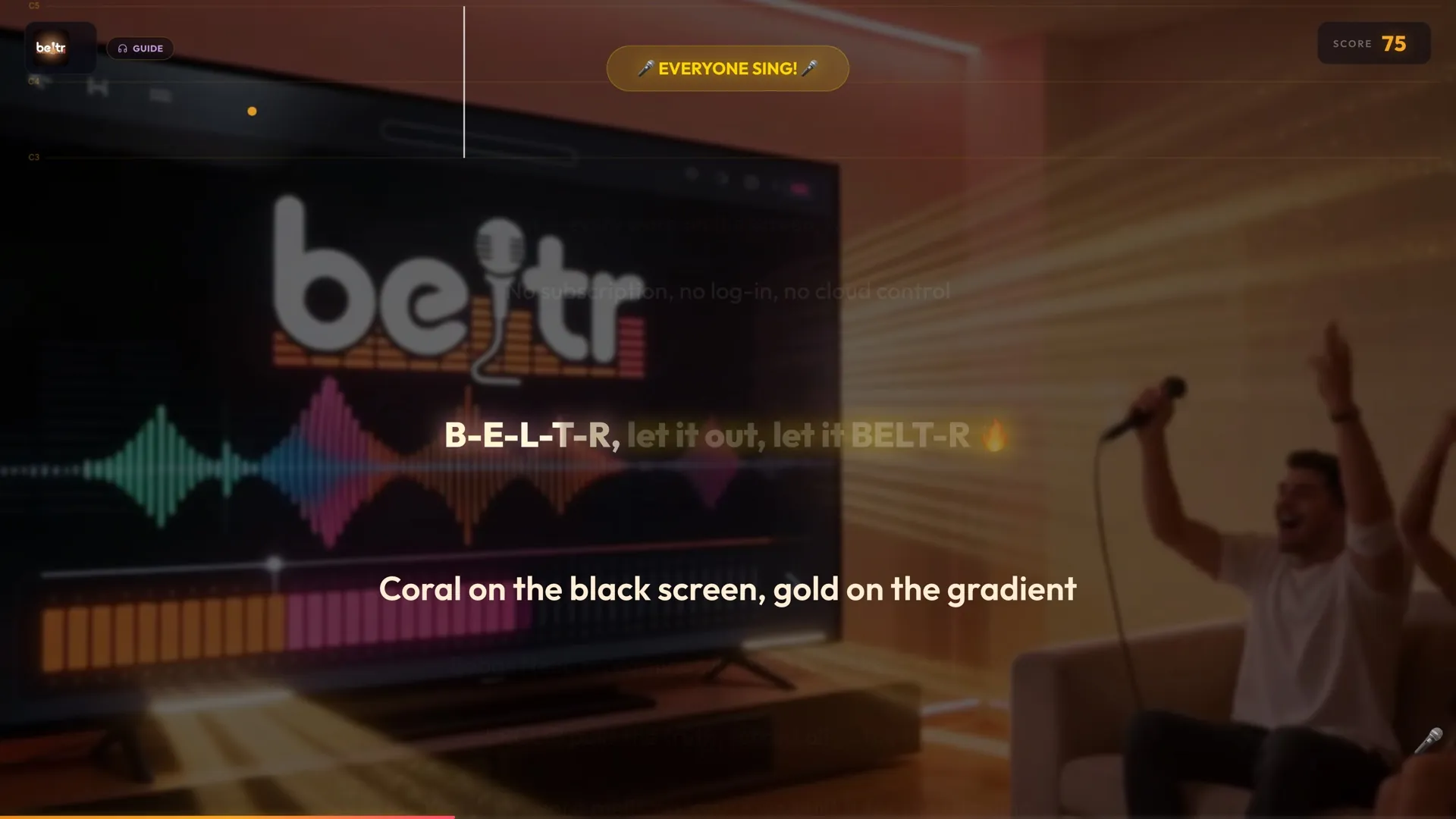
Once the vocal is out, the rest of Beltr is about the person holding the mic. The words light up on the TV in time with the song. A pitch bar shows the note to hit, and the score climbs line by line. Music-video backgrounds can play behind the lyrics. Practice mode loops the part you keep missing between an A and a B point, and slows the song down without changing its pitch. When a take goes well, Reveal Reel records it as a vertical clip, and nothing is shared unless you choose to share it.
How good is the separation?
AI separation is far better than the old tricks that strip out whatever sits in the middle of a stereo mix, and on a clean studio recording the instrumental can sound very clean. It still varies by song, mix and recording quality. Dense modern productions and songs with heavy backing vocals are the hardest, and you may hear faint traces of the singer. That’s what the vocal fader is for, and it’s why the first 5 songs are free: try the songs you actually want to sing, on your own machine, before you pay.
Beltr next to other ways of making karaoke
| Beltr | Basic vocal remover | Subscription stem tool | Free karaoke videos | |
|---|---|---|---|---|
| Vocal separation | On your computer | Yes | In the cloud | Pre-made only |
| Vocal and instrumental faders | Yes, live while you sing | Sometimes | Some | No |
| Synced lyrics | Word by word | No | Some | Built into the video |
| TV display and phone remotes | Yes | No | No | No |
| Pitch scoring | Yes | No | No | No |
| MP3+G export | Yes | No | No | No |
| Price | $19.99 once | Varies | Monthly fee | Free, with ads |
Local, private and offline
Everything above happens on your own computer. There’s no account, and your songs are never uploaded. Once Beltr is installed, separating a song needs no internet connection; looking up its lyrics on LRCLIB does. That’s also why the installer is 700 MB to 1 GB: the whole AI engine ships inside it. Beltr runs on Macs with Apple Silicon (macOS 12 or later; Intel Macs aren’t supported), on Windows 10 and 11, and on Linux, and there’s a Docker build for self-hosting.