Remove the vocals from any song, on your own computer.
Drag the slider: that’s Beltr taking the singer out of its own theme song. It does the same to any song you own, in a minute or two, with nothing uploaded.
Hear Beltr take the vocals out of a song
Now playing: “Beltr”, the theme song
The band
The voice
Drawn from the two audio files you hear: the song as released, and the same song after Beltr took the vocals out.
What you get from a song
Every song Beltr separates comes out as two stems: the instrumental, to sing or play over, and the vocal on its own. On the way, Beltr also syncs the lyrics word by word, maps the pitch and reads the key, so the same song is ready for a karaoke night whenever you want one.
It takes any MP3, FLAC, WAV or MP4 you own. Karaoke files you already have, like CDG, MP3+G and .kar, play as they are.
How long it takes
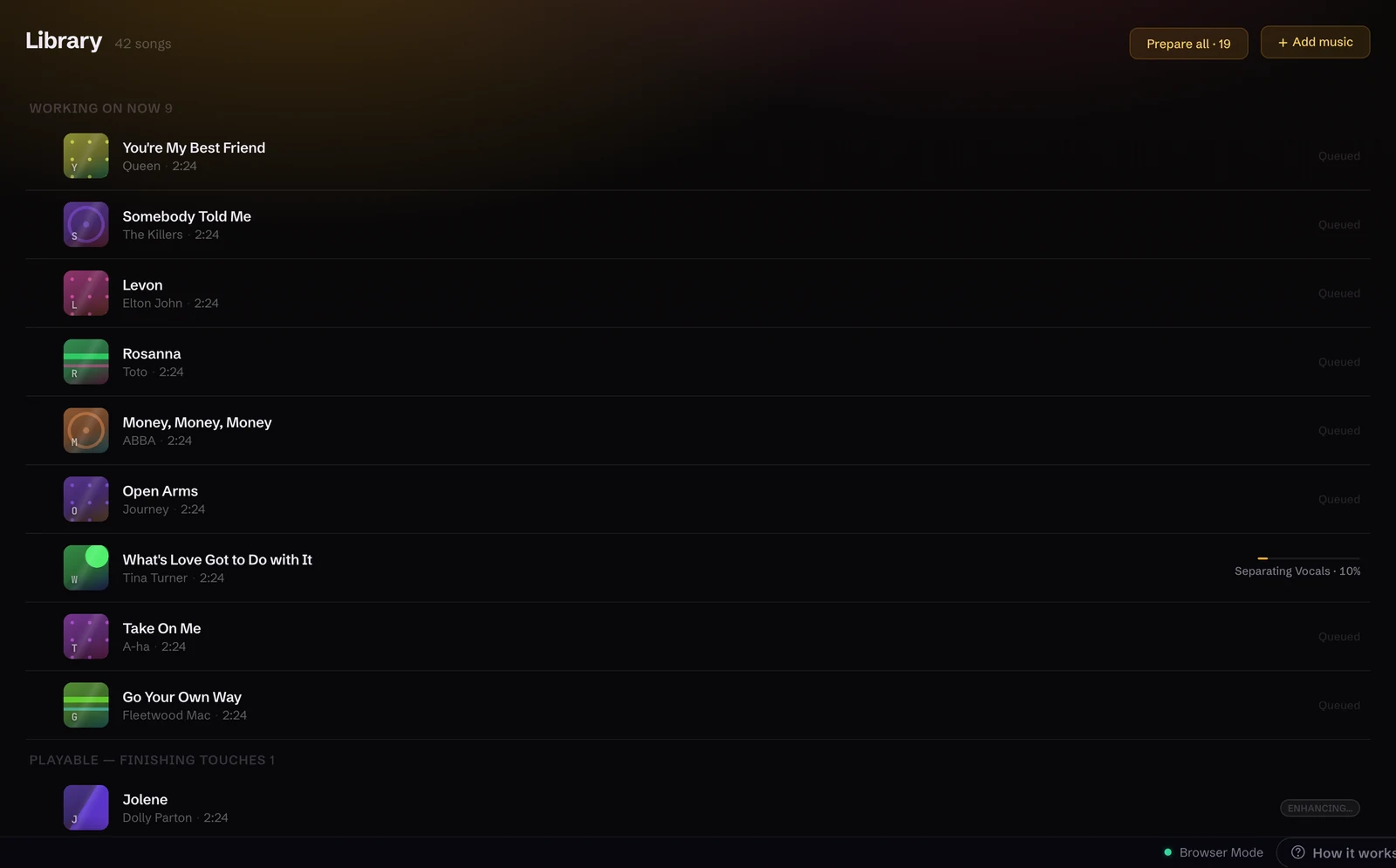
A minute or two for a typical song: quicker on a recent Apple Silicon Mac, longer on an older PC that only has a CPU. Queue a whole folder and Beltr works through it one song at a time, showing each stage by name. It tells you the moment a song is singable, then finishes the polish in the background.
You don’t have to wait to hear it the first time. Beltr arrives with one song already prepared.
Looking for an online vocal remover?
Beltr isn’t one. It runs on your computer, which is why nothing uploads, why it works offline, and why it’s $19.99 once instead of a monthly plan.
Nothing uploads
Your songs never leave your machine. There’s no account, no upload queue and no file-size limit set by someone else’s server.
It works offline
The whole separation engine ships inside the installer, which is why it’s 700 MB to 1 GB. Once Beltr is set up, taking the vocals out of a song needs no connection at all.
You pay once
Online removers run on servers that someone pays for every month. Beltr uses the computer you already own, so it’s $19.99 once, with 5 songs free and no card to try it.
Comparing tools? Read how Beltr stacks up as a Moises alternative and a PhonicMind alternative.
Then sing it
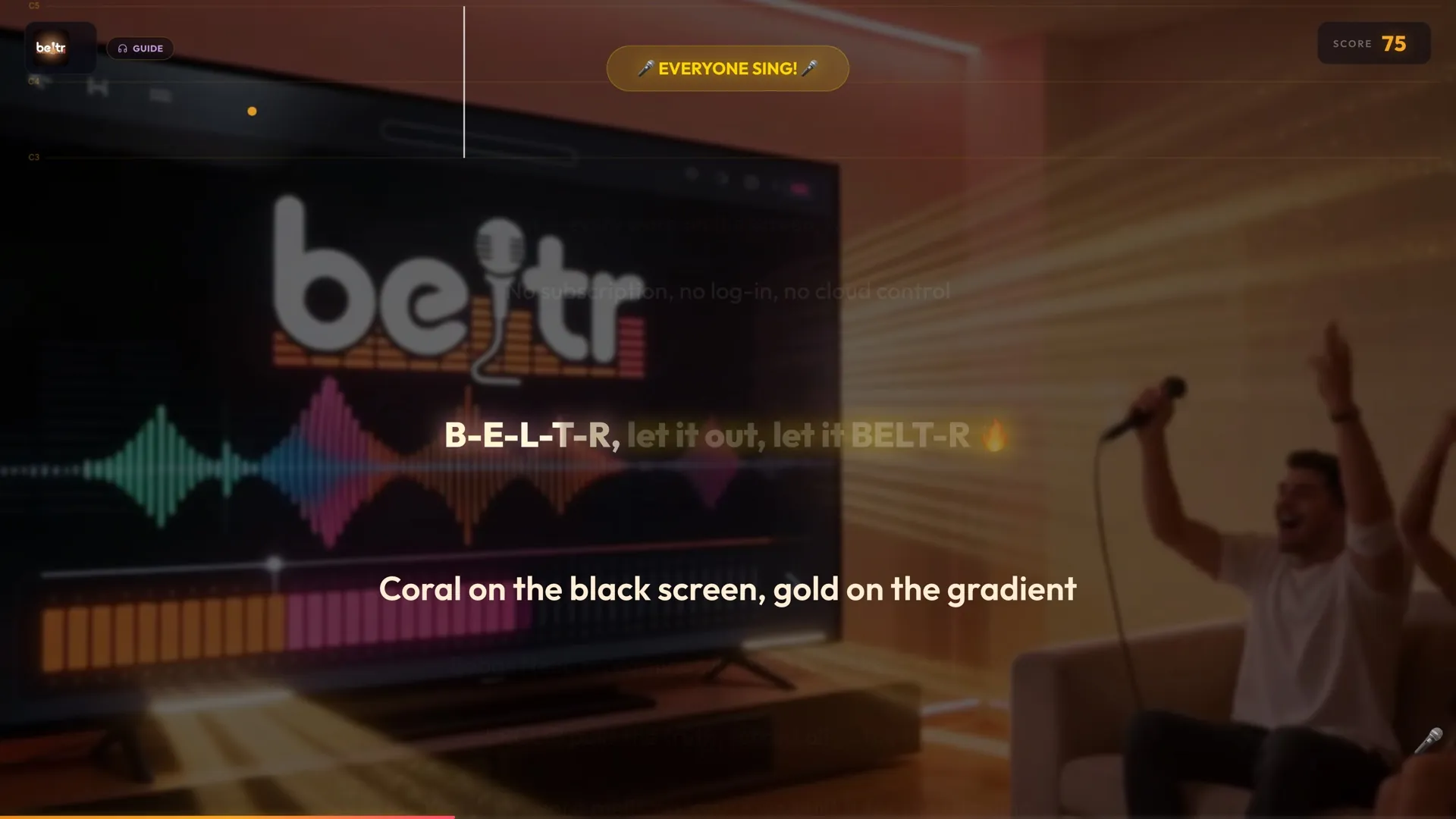
The instrumental is only half of it. Beltr puts the same song on your TV with the words lighting up in time, and every phone in the room becomes a remote and a mic, with live pitch scoring and a leaderboard.
More on how it works: what AI karaoke means, setting up karaoke on your TV, and the step-by-step guide to removing vocals from a song.
Try it on your own songs
Other platforms: Windows (Microsoft Store), Windows (.exe), macOS (Apple Silicon), Linux (AppImage), Ubuntu (.deb), or self-hosted with Docker.
Installers are 700 MB to 1 GB, because the whole AI engine ships inside. Nothing uploads, and nothing runs in the cloud.
$19.99 once, no subscription. 5 songs free, no card.
Buy it and change your mind? Email support@beltr.app within 14 days for a full refund, no forms. One license covers 2 devices.
Questions
Do I get the instrumental as its own track?
Yes. Every song Beltr separates gives you both stems: the instrumental, and the vocal on its own. You can also export a song as MP3+G, CDG or .kar for a karaoke machine.
What files can I use?
Any MP3, FLAC, WAV or MP4 you own. Karaoke files you already have (CDG, MP3+G, .kar, .mid and Thai NCN) play as they are, with the lyrics and timing read from the file.
How long does a song take?
A minute or two for a typical song. It’s quicker on a recent Apple Silicon Mac and longer on an older PC that only has a CPU. Queue a whole folder and Beltr works through it one song at a time.
Does it work offline?
Yes. Separation runs on your computer, so after Beltr is installed and set up, a song never needs the internet to lose its vocals. Nothing is uploaded, and there’s no account.
Is it a subscription?
No. Beltr is $19.99 once, with 5 songs free and no card to try it. One license covers 2 devices, updates are included, and there’s a 14-day full refund: email support@beltr.app.