The short answer
Beltr is a desktop app that separates the vocals from songs you own on your own computer, with nothing uploaded, for $19.99 once. Moises is a subscription cloud app, at $5.99 a month or $39.99 a year with a Pro tier at $29.99 a month, that uploads your track to its servers and is built for musicians who want stem isolation and practice tools. Both work on songs you already own. Choose Beltr to pay once, keep everything on your machine and get a complete karaoke setup. Choose Moises if you’re a musician who wants cloud stem tools synced across your devices.
Your music stays on your computer
Moises processes in the cloud, so your track goes to its servers first. Beltr runs its AI, UVR MDX-Net on ONNX Runtime, on your own machine. Your audio never leaves it, there’s no account, and there’s no upload queue to wait in. A typical song takes a minute or two: quicker on an Apple Silicon Mac, longer on an older PC that only has a CPU. Queue a whole folder and Beltr works through it one song at a time, naming each stage as it goes.
Because the whole engine ships inside the installer, separation works offline once Beltr is set up. A cloud service needs a connection to upload and separate every track. And you pay once. A subscription bills whether you use it twice a year or every day, and Moises Premium at the monthly rate comes to about $72 a year. Beltr is $19.99, with lifetime updates and 2 devices on one license.
To hear on-device separation before you install anything, drag the slider on the vocal remover page: it takes the singer out of Beltr’s own theme song.
Two stems, and what you can do with them
Every song Beltr separates gives you two stems: the instrumental, and the vocal on its own. It doesn’t split drums, bass or other instruments into stems of their own.
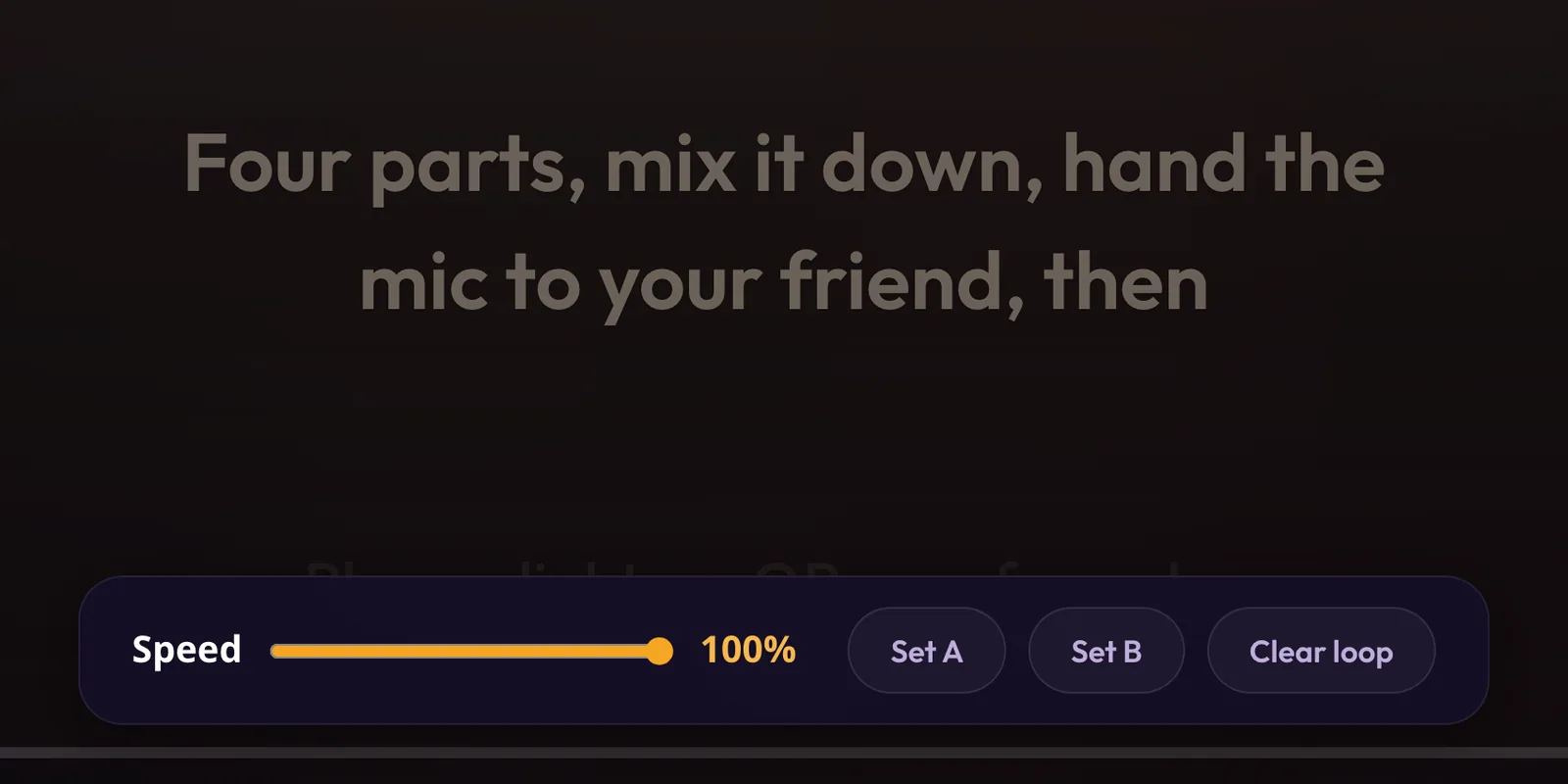
What Beltr does with those two stems is aimed at singing. The vocal and instrumental faders stay live while the song plays, so you can take the singer out completely or leave a little in as a guide. You can change the key up to 6 semitones either way, and practice mode loops a section from A to B and changes the tempo without changing the pitch. Along the way Beltr syncs the lyrics word by word, maps the pitch and reads the key. When a song is headed for a karaoke machine, export it as MP3+G, CDG or .kar.
The step-by-step guide to removing vocals walks through the whole process, and what results to expect from different kinds of recording.
Already have stems from somewhere else?
Beltr doesn’t make you separate a song twice. Stems exported from StemDeck, the free, open-source splitter that runs on your own machine, or files named song_vocals, song_drums and so on from another separator, import straight in and play as a karaoke song with every part on its own fader. StemDeck lists Beltr on its We Recommend list and takes no money for it, so the recommendation goes both ways.
A karaoke night, not a folder of stems
A stem tool hands you separated audio and leaves the rest to you. Beltr takes the next step. Your song goes up on the TV with the words lighting up in time, and a room code and QR code on screen. Guests scan it and every phone in the room becomes a remote and a mic, with nothing to install. Live pitch scoring puts each singer on a leaderboard, and Reveal Reel turns your best take into a vertical clip that’s shared only when you choose.