The karaoke machine is already in your pocket.
Plug your iPhone into the TV, or send it over AirPlay, and the lyric stage lands on the TV by itself. The phone in your hand becomes the console and the mic. Nothing to buy, carry or store. It works with Beltr on your Mac or PC, which turns the songs you already own into karaoke: $19.99 once, 5 songs free.
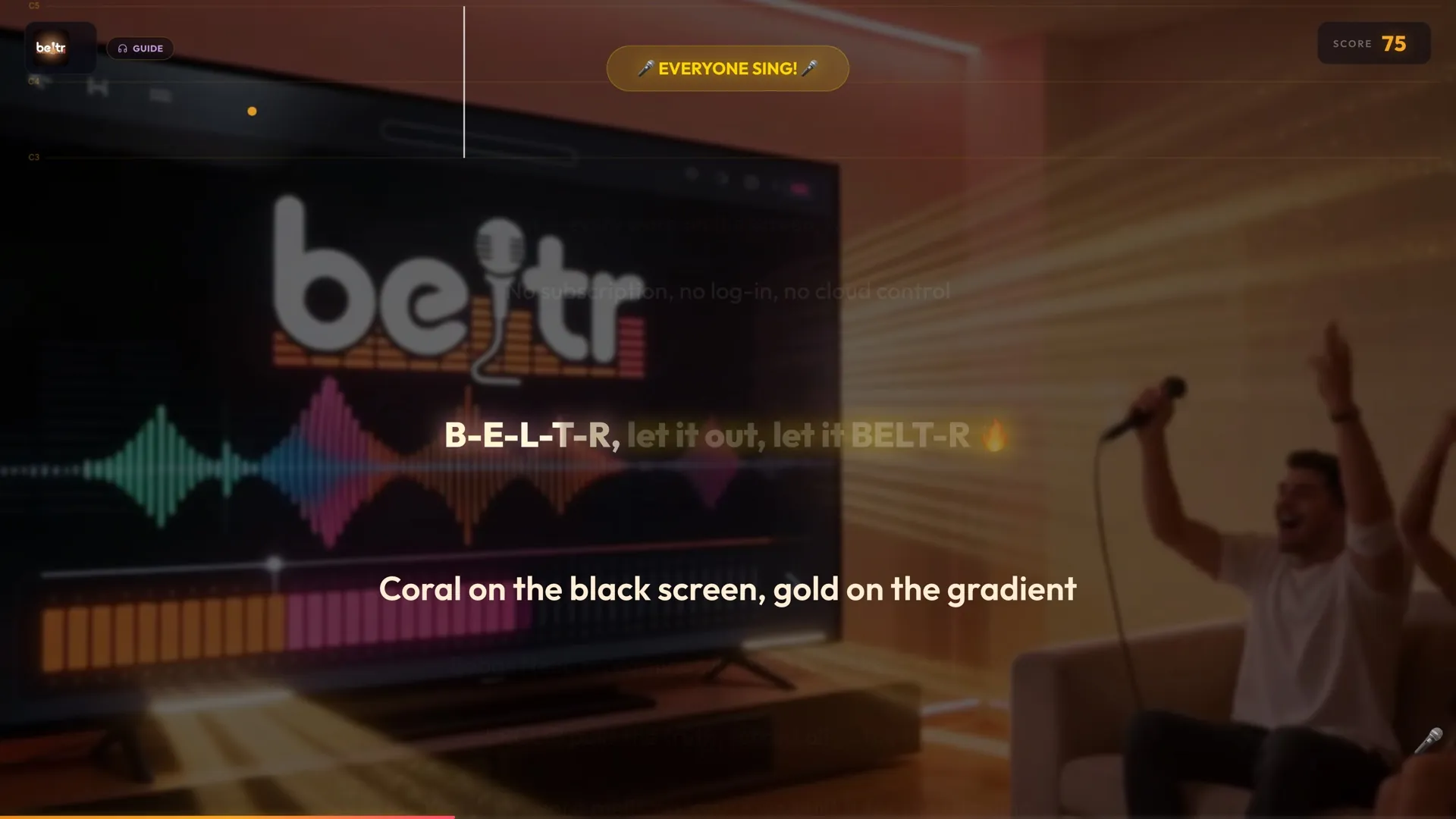
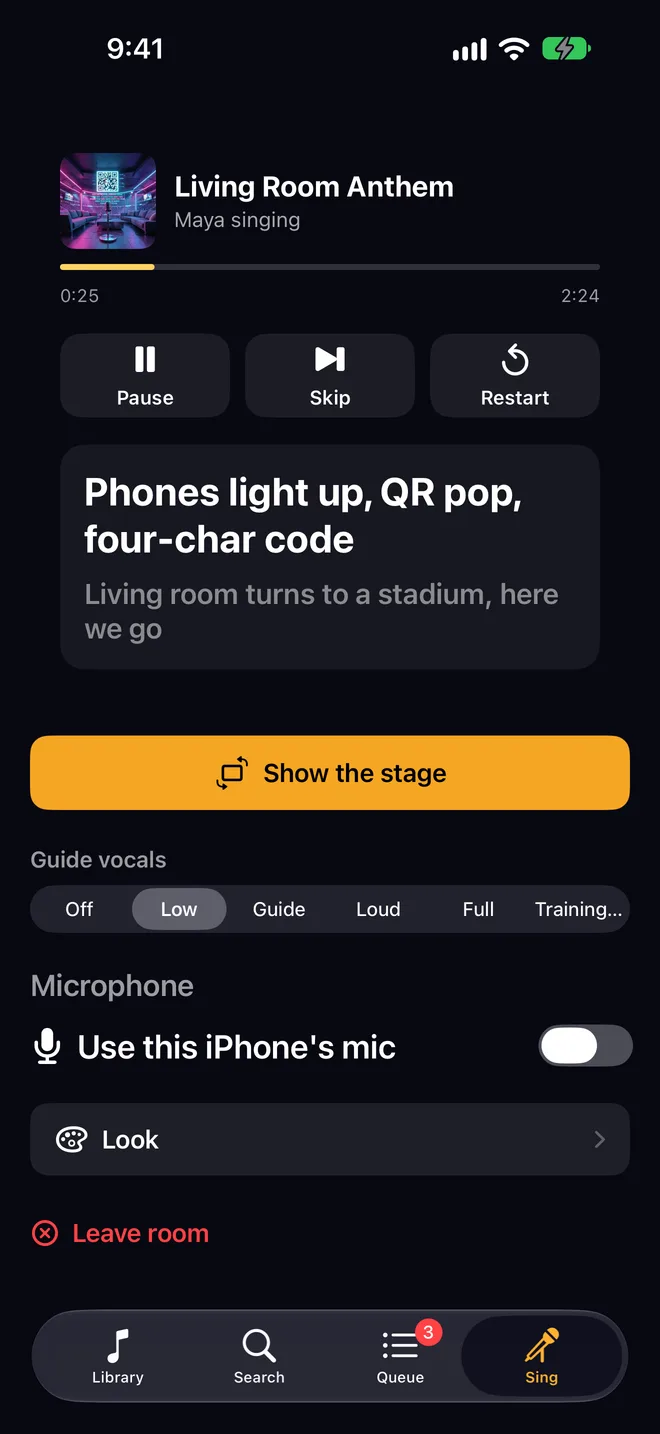
One song, two screens. The TV shows the room the stage; the phone shows you everything else.
What happens when you plug it in
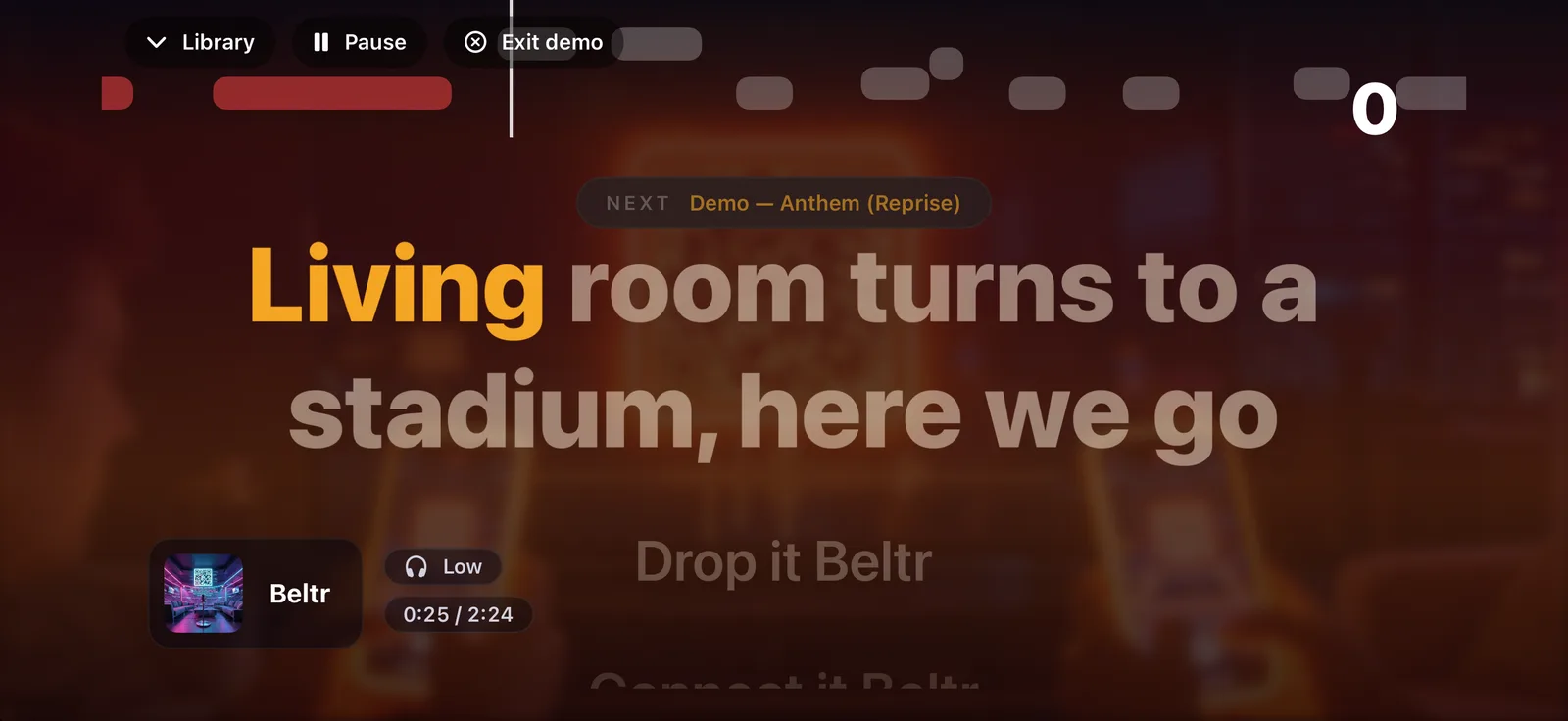
The stage moves to the TV
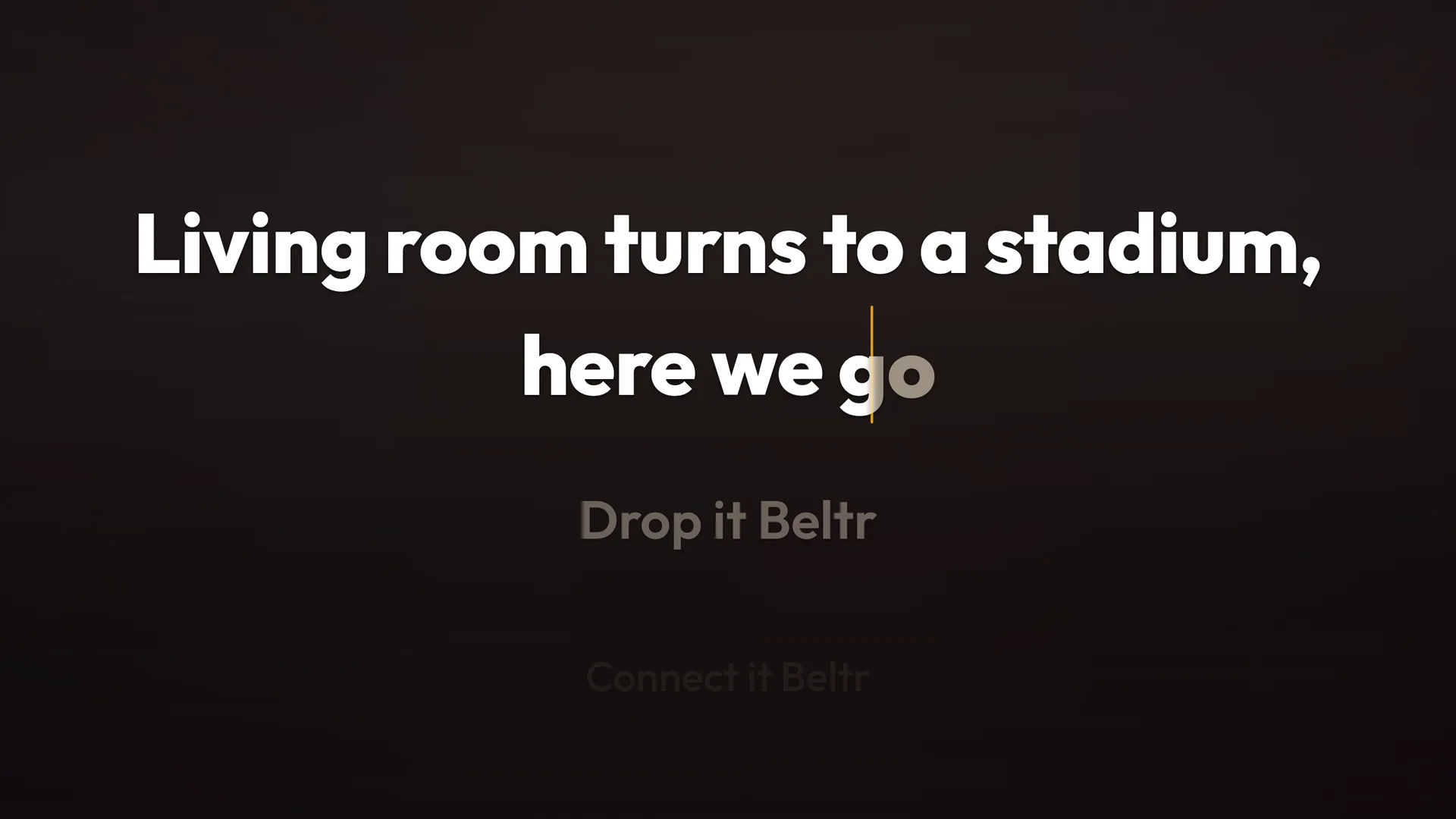
Lyrics word by word, the pitch bar, the music video, the score. The TV never shows a search box, a queue or a settings panel. Pull the cable and the stage is back on the phone with the song still playing.
The phone becomes the console
What’s playing, the current and next line so you can cue the singer, the queue with every guest’s name, the whole library, transport, the guide-vocal presets and the mic switch. Drag a Look slider and the TV changes under your finger.
The phone is the mic
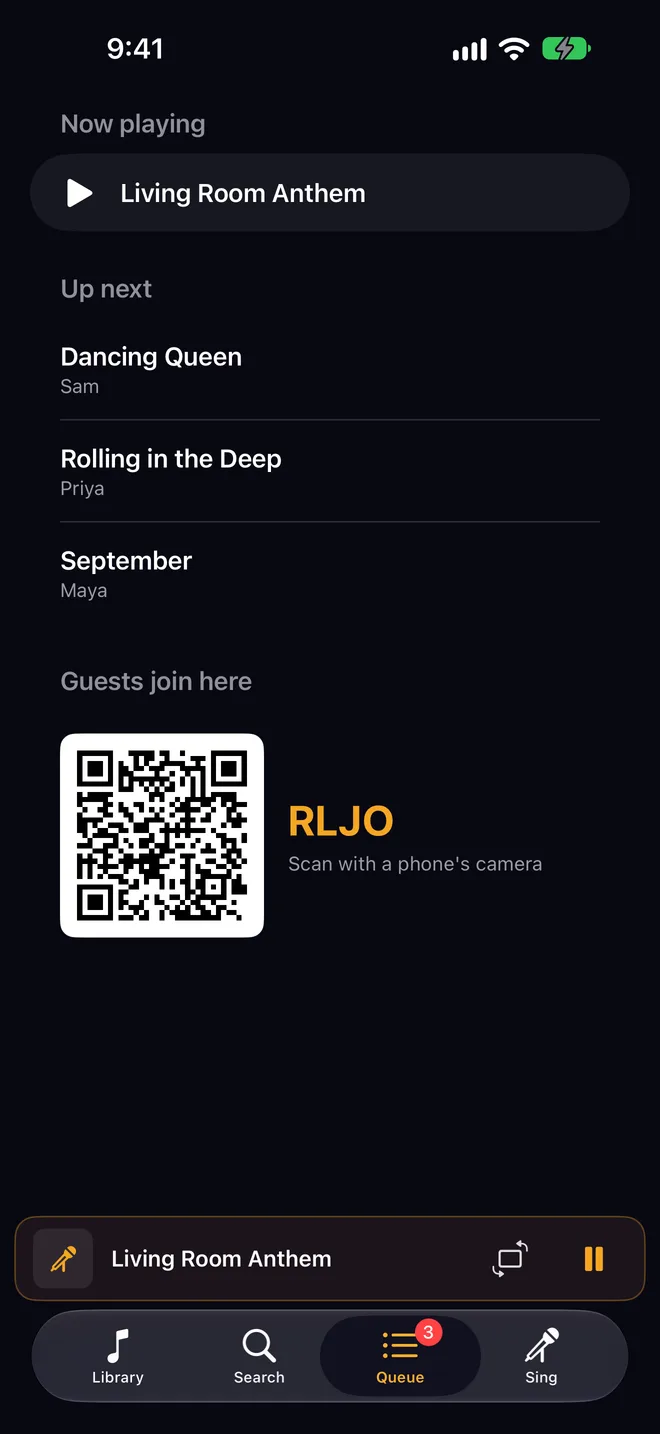
Sing into it, or into a wired or USB mic plugged into it. It drives the pitch bar and the score. Everyone else scans the QR on the TV and their own phone is a mic and a remote.
iPhone
No machine to buy. You brought it.
A karaoke machine is a box that lives in a closet between parties. The phone is with you at your place, a friend’s place, the rental, the cabin. One cable, or the Apple TV already under their TV, and the night is on.
Library, Search, Queue and Sing tabs. The queue shows who is up with the join code beside it, so the phone passes around the room as the sign-up sheet. No TV handy? Turn the phone sideways and the phone is the stage, pitch bar and all.
iPad
The same thing, with room to host
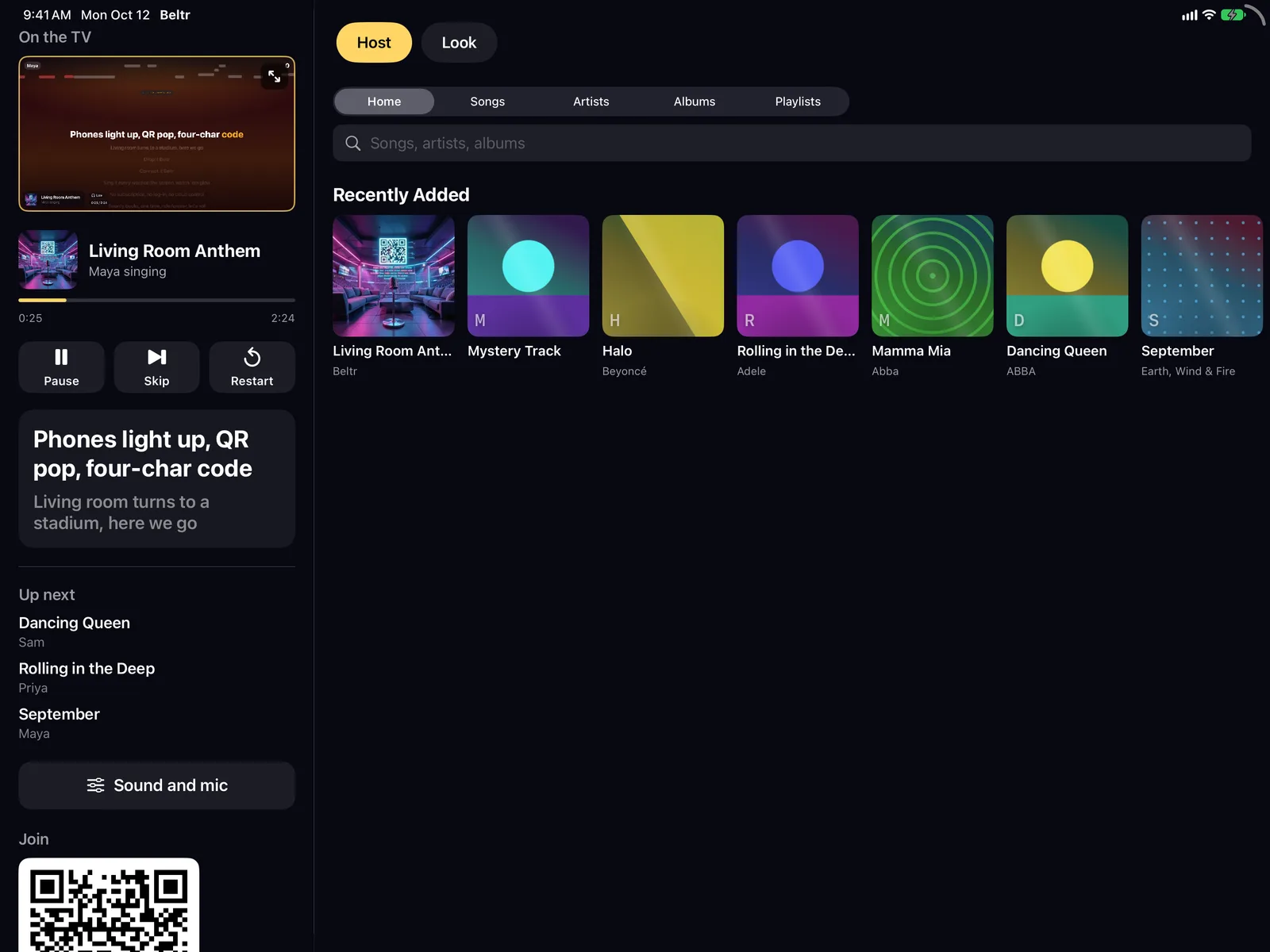
On an iPad the console gets a full-size preview of what the room sees, so you cue the next singer from the couch. Five one-tap stage layouts and the Look page: how strong the video is, how dark, where the lyrics sit, which theme, with the TV following as you drag.
The library is Home, Songs, Artists, Albums and Playlists, the way a music app lays them out. Queue a whole album in one tap. It is the same free app as the iPhone, so one download covers both.
Apple TV
Already have an Apple TV? Skip the cable.
Beltr Client on the Apple TV finds Beltr on your computer and puts the stage on the TV with nothing plugged in. Your phone stays in your pocket as the remote and the mic. It is on the App Store today.

What you need
Beltr on your computer
Mac (Apple Silicon), Windows or Linux. It takes the vocals out of songs you own on the computer itself, syncs the lyrics word by word and reads the key. Nothing uploads, and there’s no account. $19.99 once, 5 songs free, 14-day refund.
The free Beltr Client app
One app for iPhone, iPad and Apple TV, on the same Wi-Fi as the computer. It finds Beltr on its own, or you type the address once.
The Apple TV app is live today. The iPhone and iPad version is with Apple for review and lands on the same listing any day now. Set Beltr up on your computer first: your songs are prepared and the night is ready the moment the app appears.
A TV, or not
Any TV with HDMI, through a USB-C cable or adapter, or any Apple TV over AirPlay. With no TV at all, an iPhone turned sideways is the stage, and so is an iPad.
Start with Beltr on your computer
The iPhone, iPad and Apple TV app is free; this is the one purchase. Install it, point it at a music folder, and the first 5 songs are free.
Other platforms: Windows (Microsoft Store), Windows (.exe), macOS (Apple Silicon), Linux (AppImage), Ubuntu (.deb), or self-hosted with Docker.
Installers are 700 MB to 1 GB, because the whole AI engine ships inside. Nothing uploads, and nothing runs in the cloud.
$19.99 once, no subscription. 5 songs free, no card.
Buy it and change your mind? Email support@beltr.app within 14 days for a full refund, no forms. One license covers 2 devices.
Questions
Does it work without a computer?
Not yet. The iPhone and iPad app is the display and the console; the songs come from Beltr on your Mac, Windows or Linux computer, or a self-hosted Beltr server, on the same Wi-Fi. One song is built in and plays on the phone alone, so you can try the stage, the pitch bar and the score before anything is connected.
Which iPhone does it need?
Any iPhone on iOS 17 or later. An iPhone with a USB-C port plugs into the TV with a USB-C to HDMI cable or adapter; an older iPhone with a Lightning port uses Apple’s Lightning Digital AV Adapter. AirPlay works on all of them.
Which TVs does it work with?
Any TV with an HDMI input, by cable, and any TV with an Apple TV attached, over AirPlay. If the TV already has an Apple TV, the free Beltr Client app runs on it directly and the phone stays in your pocket as the remote.
Cable or AirPlay?
A cable is the surest: no setup, no lag, the TV’s own speakers. AirPlay is the one to reach for when the Apple TV is already under the TV and the cable is not. Both switch on by themselves the moment the display appears, and pull the cable or stop AirPlay and the stage comes back to the phone with the song still playing.
What do I sing into?
The iPhone or iPad itself, a wired or USB microphone plugged into it, or any phone in the room: guests scan the QR code on the TV and their browser becomes a mic and a remote, with nothing to install. The mic drives the pitch bar and the score.
Do guests need the app?
No. The stage shows a room code and a QR code. A guest scans it with the phone camera and gets the queue, the song list and a mic in the browser. The free Beltr Remote app is there if they prefer one.
What does it cost?
Beltr for your computer is $19.99 once, with 5 songs free and no card to try it. The iPhone, iPad and Apple TV app is free. One license covers 2 computers, updates are included, and there’s a 14-day full refund: email support@beltr.app.