Turn the songs you own into karaoke.
Beltr takes the singer out of any song on your own computer, puts the words on your TV, and hands every phone in the room a mic. Nothing uploads, and there’s no subscription.
Hear Beltr take the vocals out of a song
Now playing: “Beltr”, the theme song
The band
The voice
Drawn from the two audio files you hear: the song as released, and the same song after Beltr took the vocals out.
How a song becomes karaoke
-
It finds your music
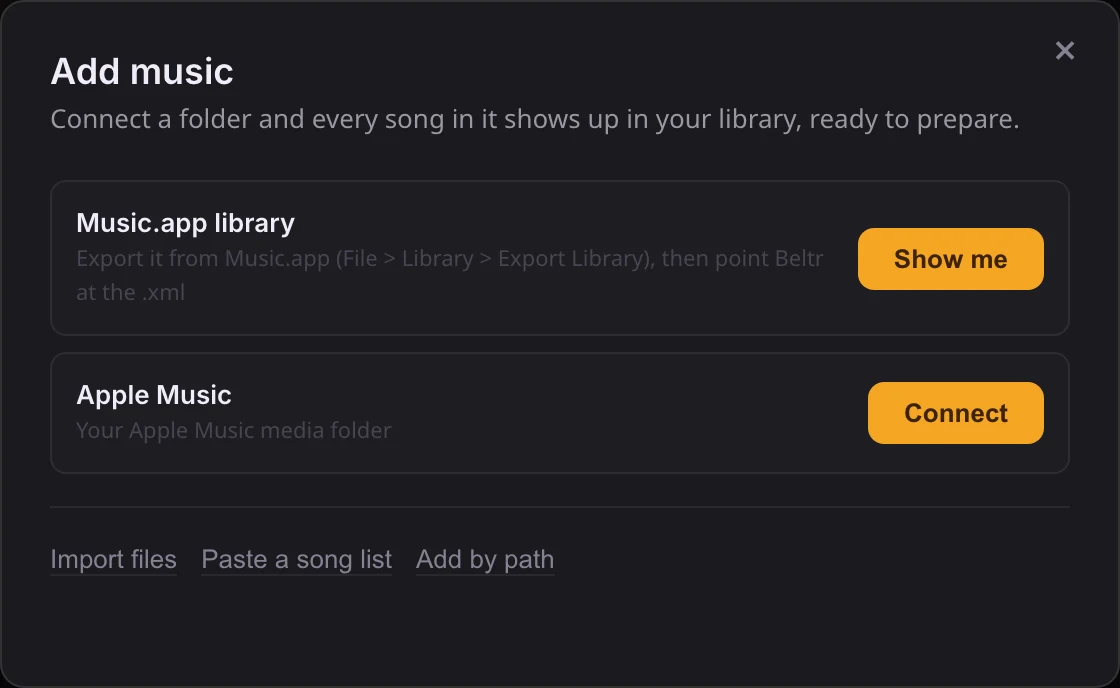
Setup asks one question: where’s your music? Beltr checks the usual places, like your Music folder, an Apple Music library or a folder of karaoke discs, and shows you what it found. One tap connects it. Nothing gets copied, converted or moved.
-
Your collection is the catalog
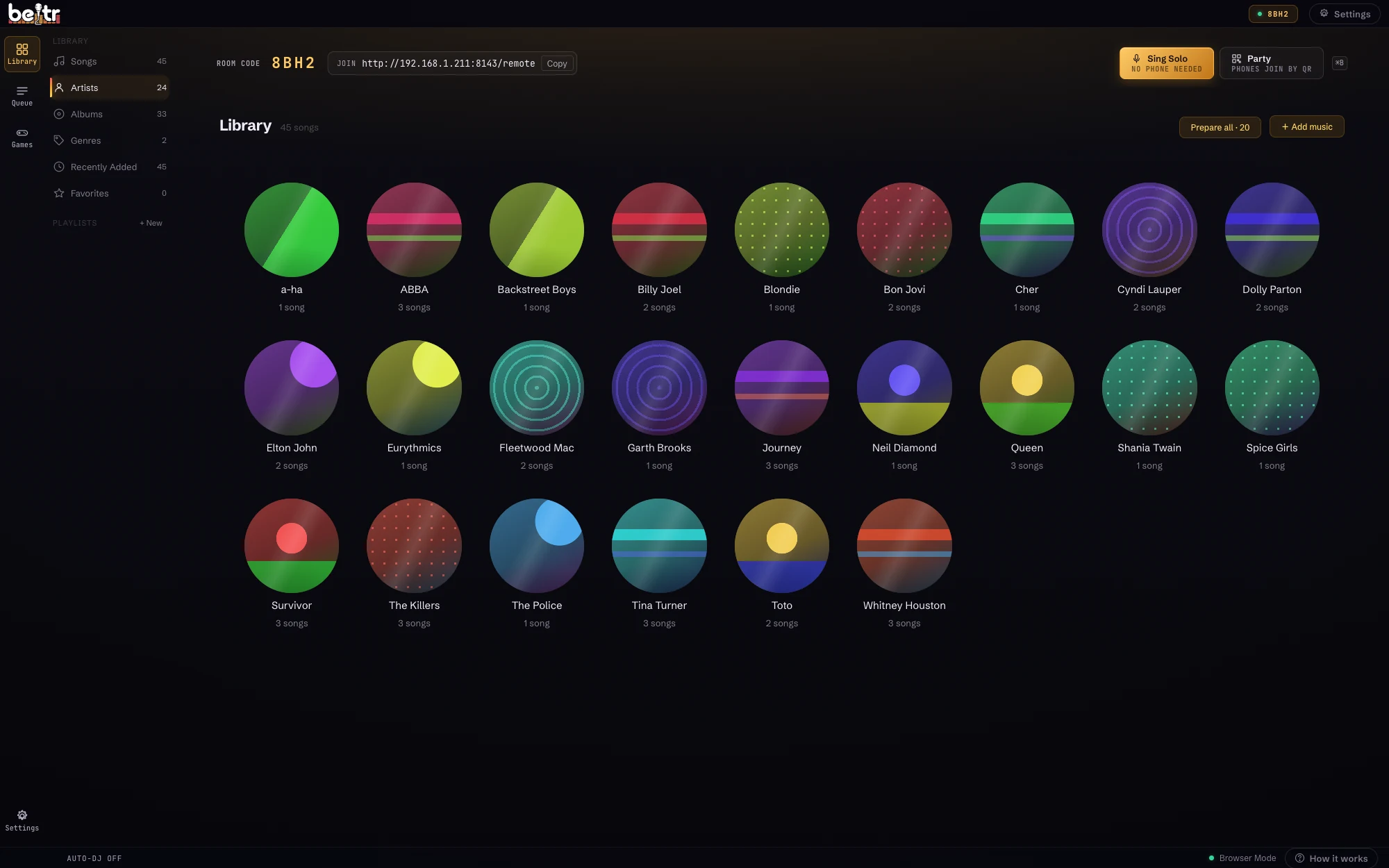
Every song in that folder now sits in Beltr, searchable by artist, album and genre. There’s no separate karaoke catalog to buy from. When someone asks for a song, you find it and press one button.
-
It does the work while you don’t watch
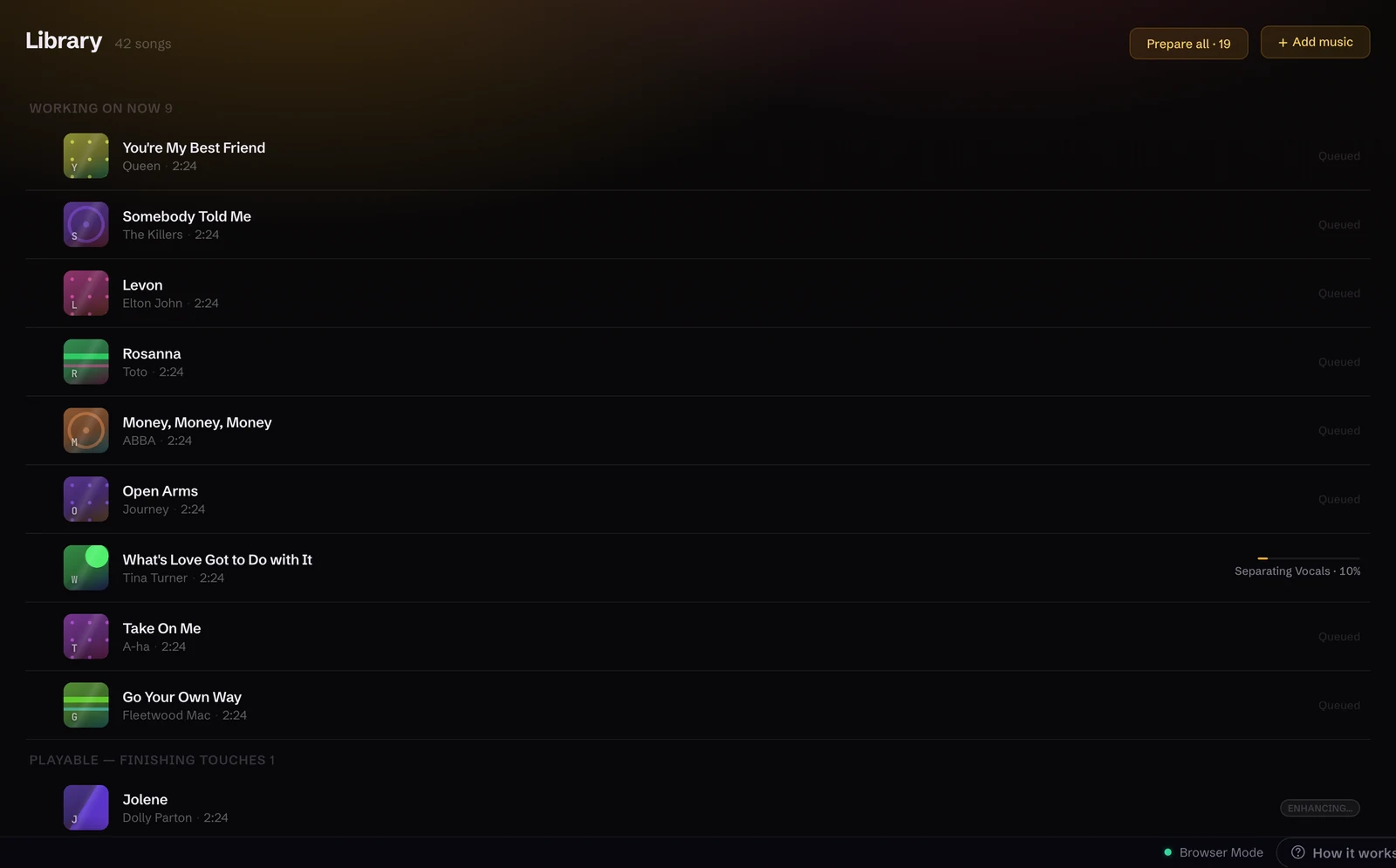
Beltr takes out the vocals, syncs the lyrics, maps the pitch and reads the key, on your own machine, one song at a time. You see each stage by name instead of a spinner, and it hands a song over the moment it’s singable, then finishes the polish in the background.
-
The room sets itself up
Press Play and Beltr opens the big screen, starts a room and puts a code and a QR on the TV. Phones join by scanning it, with no app to install and no accounts. The first time, you don’t even wait: Beltr arrives with one song already prepared.
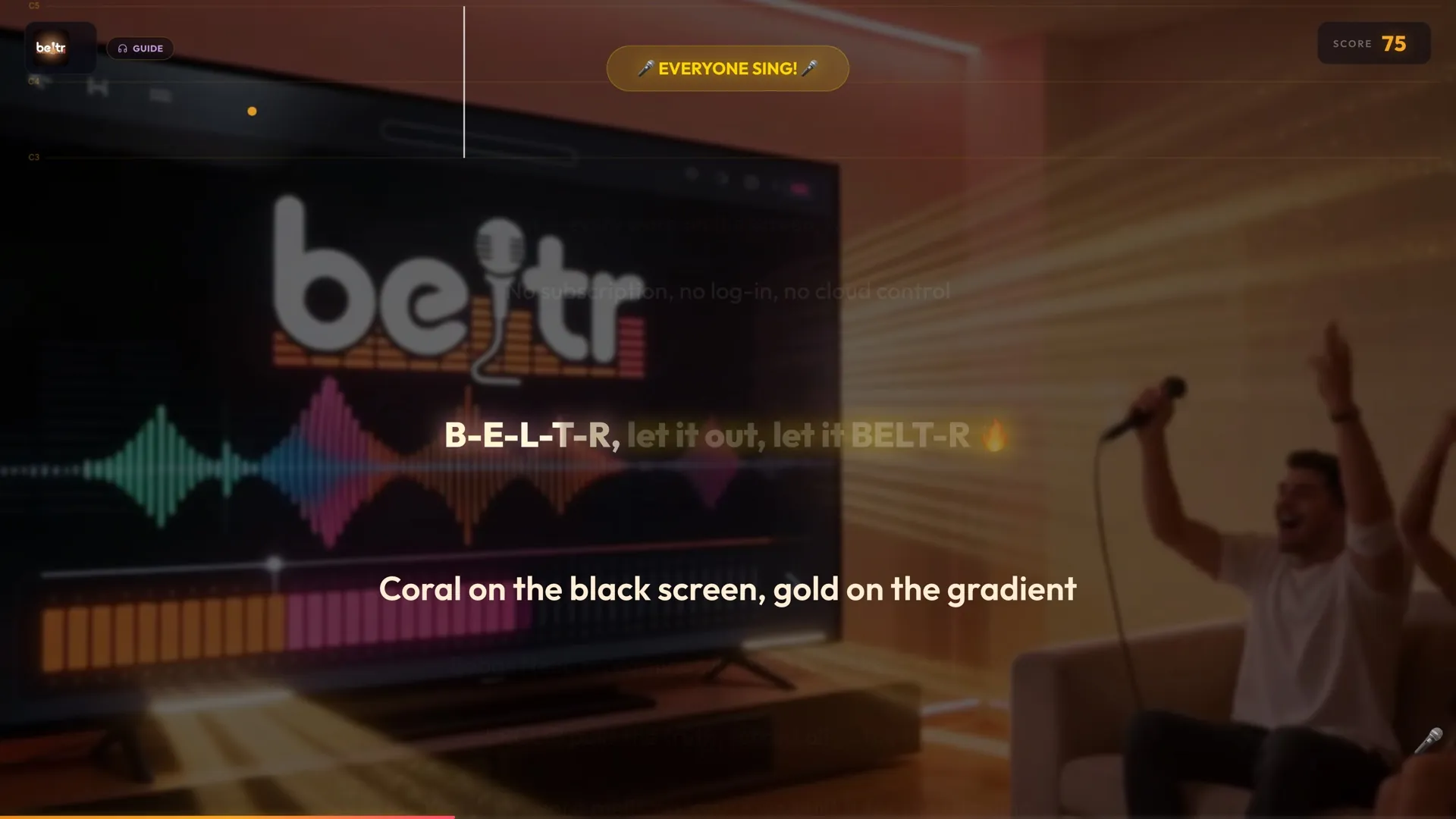
What it plays and exports
- Plays as they are
- CDG and MP3+G discs,
.karand.midfiles, and Thai NCN songs. Lyrics and timing come straight from the file, legacy text encodings and CJK fonts included. - Separates
- Any MP3, FLAC, WAV or MP4 you own. The vocals come out on your machine, and the song becomes a karaoke track.
- Exports
- MP3+G, CDG and
.kar, for the karaoke machine already in the basement. More on MP3+G and CDG.
Also in the box: live pitch scoring with a per-singer leaderboard, key change up to six semitones either way, practice mode with an A-B loop, music-video backgrounds, and Reveal Reel, which saves your best take as a vertical clip. See all of it in real screenshots.
Why there’s no subscription
Subscription karaoke rents you a catalog: roughly $80 to $120 a year, and you can only sing what they licensed this month. Beltr has no catalog to rent. Your music folder is the catalog, the work happens on your own computer, and nobody can take your songs away. With no servers to run and no per-song licensing to pass on, it can cost $19.99 once.
| Beltr | Subscriptions | Free lyric videos | |
|---|---|---|---|
| Price | $19.99 once | $80–120 a year | Free, with ads |
| Your own music | Any song you own | Their catalog | Hit or miss |
| Karaoke machines | MP3+G in and out | No | No |
| Works offline | Yes | No | No |
| Updates | Included for life | While you pay | Not applicable |
| Phone remotes | Any phone | Some | No |
| Live scoring | Yes | Some | No |
Weighing one up? See Beltr vs KaraFun and Beltr vs Singa.
What people said
“Just paid for another month of KaraFun… I’m VERY interested in your app. Keep going!”
“Paid for the app this morning. Love being able to send hype to the screen during a performance — that’s been on my list for a long time. I can see value in this!”
The desktop app is on the Microsoft Store, and the free phone and TV apps are on the App Store and Google Play.



Download Beltr
Other platforms: Windows (Microsoft Store), Windows (.exe), macOS (Apple Silicon), Linux (AppImage), Ubuntu (.deb), or self-hosted with Docker.
Installers are 700 MB to 1 GB, because the whole AI engine ships inside. Nothing uploads, and nothing runs in the cloud.
$19.99 once, no subscription. 5 songs free, no card.
Buy it and change your mind? Email support@beltr.app within 14 days for a full refund, no forms. One license covers 2 devices.
Questions
Will it work with my music?
Any MP3, FLAC, WAV or MP4 you own. Beltr also plays the karaoke files you already have (CDG and MP3+G discs, .kar and .mid files, and Thai NCN songs) with the lyrics and timing taken straight from the file. Nothing streams, and nothing is uploaded.
How does Beltr make a karaoke track?
Add a song and Beltr starts on it by itself. Its on-device AI separates the vocals from the instrumental, which takes a minute or two for a typical song: quicker on a recent Apple Silicon Mac, longer on an older PC that only has a CPU. Then it syncs the lyrics to the music. Beltr also arrives with one song already prepared, so you can sing before you import anything.
Is Beltr a subscription?
No. Beltr is a one-time purchase of $19.99, with 5 songs free and no card to try it. There is no account, and updates are included for the life of your license.
Is it safe to install, and can I get a refund?
On Windows you can install from the Microsoft Store, which skips the SmartScreen warning; the direct download is the same app. The Mac app is signed and notarized by Apple. Whichever you pick, there is a 14-day full refund: email support@beltr.app.