Videoke night at home, with the songs you own.
Beltr makes the minus one for you: it takes the singer out of any song on your own computer, puts the lyrics it finds on your TV, and turns every phone in the house into a mic. No subscription, and nothing uploads.
Hear Beltr take the vocals out of a song
Now playing: “Beltr”, the theme song
The band
The voice
Drawn from the two audio files you hear: the song as released, and the same song after Beltr took the vocals out.
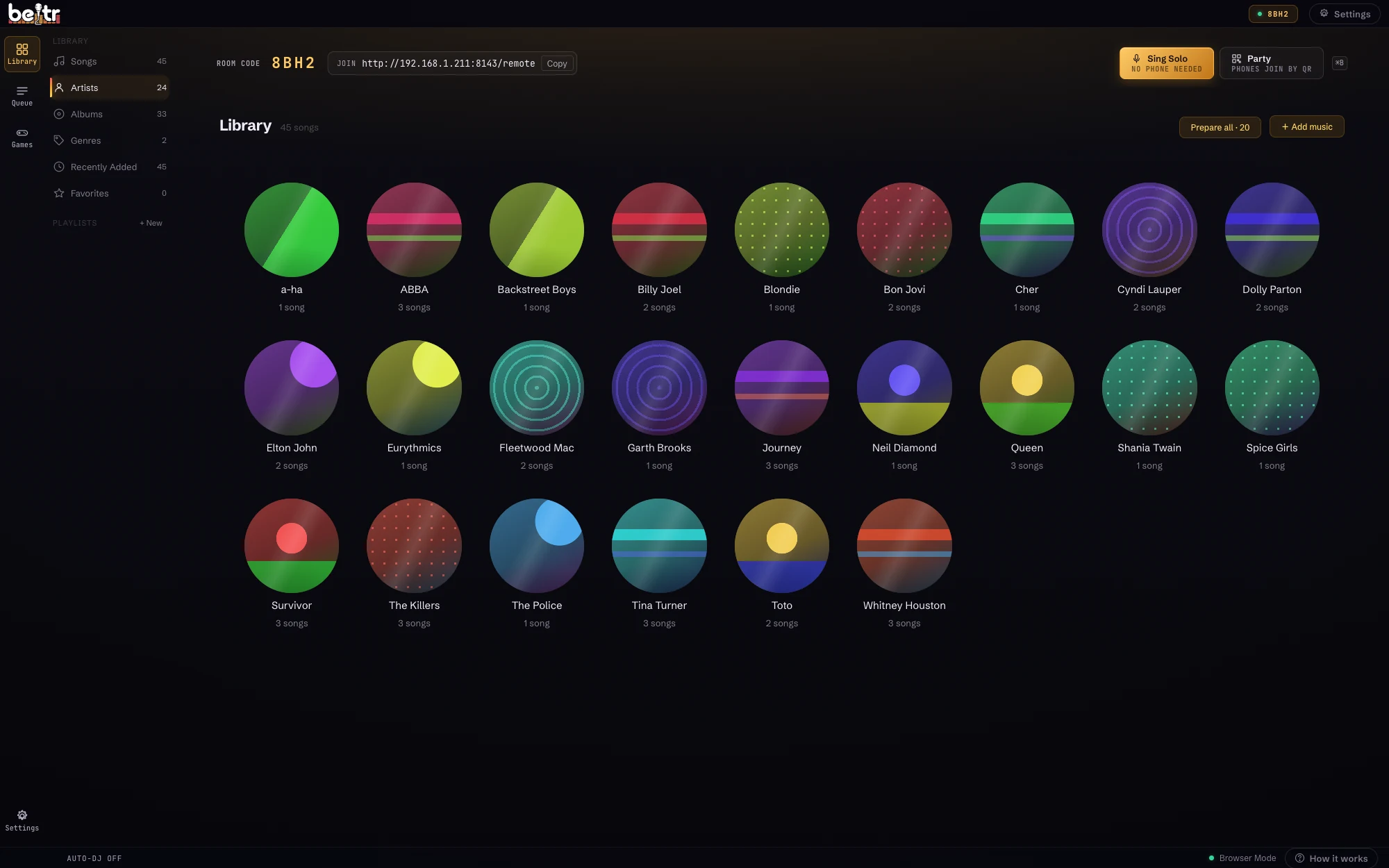
Your OPM collection is the songbook
A videoke machine sings what its chip came with. Beltr sings what you own. Point it at your music folder and every song in it is in the library: the OPM ballads your titas ask for, the band songs from your school days, the birit numbers nobody should attempt, and the English hits in between.
You don’t hunt for a minus one online, and you don’t wait for a catalog to add a song. If you own the file, you can sing it tonight.
From a song file to videoke
Add the songs you own
MP3, FLAC, WAV or MP4. Karaoke files you already have, like MP3+G and CDG discs and
.karand.midfiles, play as they are.Beltr takes out the vocals
On-device AI separates the singer from the music in a minute or two per song, on your own computer. Keep a little of the vocal as a guide if you want one.
The lyrics go on the TV
When the lyrics database has the song, synced lyrics appear by themselves. When it doesn’t, paste or import your own.
Everyone joins from a phone
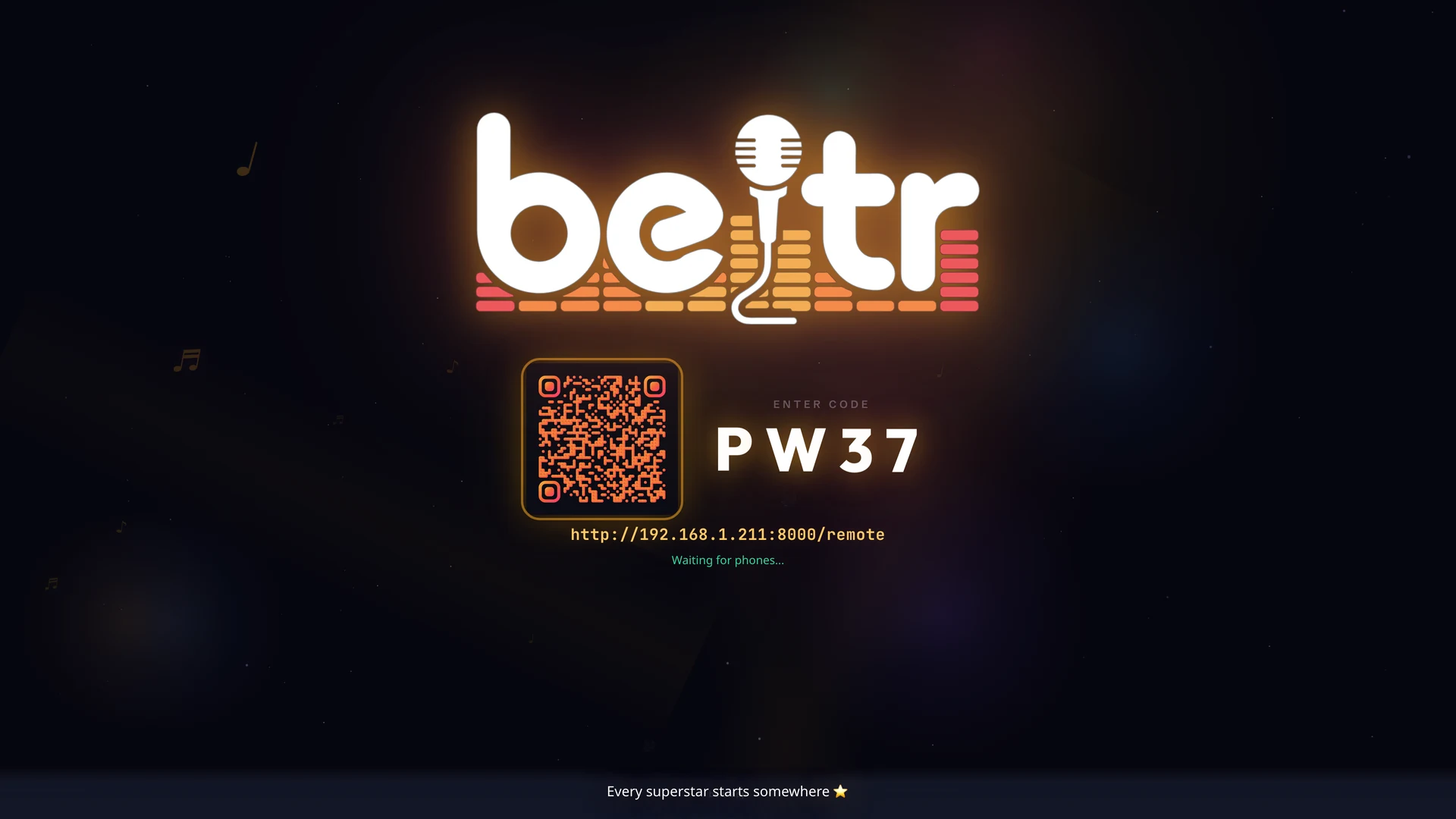
Guests scan the QR code on the TV, queue their songs and sing into their phones. Nobody installs anything.
What to expect from the lyrics
Vocal removal works on any song you own. Lyrics are a separate matter, and it’s better to know before the party than during it.
- When the database has the song
- Beltr looks lyrics up on LRCLIB, a public lyrics database. When it has the song, synced lyrics show on the TV with no work from you.
- When it doesn’t
- It does not have every OPM song. For the ones it misses, paste the lyrics in or import a lyrics file, and they go on the TV the same way.
- Tagalog and English
- Tagalog songs light up line by line. Word-by-word highlighting and automatic lyric transcription are for English songs today.
The first 5 songs are free, so try the songs your family actually sings before you pay anything.
Made for a full house
- A score at the end
- A live pitch bar shows the note to hit and scores every singer, with a leaderboard for the night. Yes, somebody’s lola will beat you.
- One queue for the whole family
- Everyone adds songs from their own phone and takes turns, so nobody crowds the laptop and the next singer is always ready.
- The right key for every voice
- Move a song up or down by as much as six semitones, for whoever is holding the mic.
- Works without the internet
- Songs are prepared and played on your own computer, so a slow connection doesn’t stop the party. Looking up lyrics is the part that needs to be online.
Pay once, sing for good
US$19.99 once, charged in US dollars. No subscription.
5 songs free, no card, and no time limit. One license covers 2 devices and updates are included. Buy it and change your mind? Email support@beltr.app within 14 days for a full refund, no forms.
Beltr runs on a Mac, a Windows PC or a Linux machine. Installers are 700 MB to 1 GB, because the whole AI engine ships inside. All downloads.
Questions
Does Beltr work with OPM songs?
Yes. Beltr takes the vocals out of any MP3, FLAC, WAV or MP4 you own, whatever the language, so your OPM collection works like the rest of your music. The vocal removal runs on your own computer and nothing is uploaded.
Will the lyrics show for Tagalog songs?
When the lyrics database Beltr uses (LRCLIB) has the song, synced lyrics appear on the TV and light up line by line. It does not have every OPM song, so for the ones it misses you can paste or import your own lyrics. Word-by-word highlighting and automatic lyric transcription work for English songs today.
Is it like a videoke machine?
It does the same job with the music you already own: lyrics on the TV, a mic in your hand, a score at the end. The songbook is your own music folder instead of a chip or a numbered list, and guests pick songs from their phones.
Do I need to buy microphones?
No. Any phone in the room can be the mic and the remote: guests scan the QR code on the TV and it opens in their browser, with nothing to install. A mic plugged into the computer works as well.
Is it a subscription?
No. Beltr is a one-time purchase, with 5 songs free and no card to try it. One license covers 2 devices, updates are included, and there is a 14-day full refund: email support@beltr.app.
What do I need to run it?
A Mac with Apple Silicon (macOS 12 or later), a Windows 10 or 11 PC, or a Linux machine, with 8 GB of RAM or more, connected to your TV by HDMI. Guests only need their phones and your Wi-Fi.